


Catering operations, from inquiry to invoice
CaterCart is Kitchn’s standalone catering module: a storefront for inquiries and quotes, a workspace to run every event, and a billing flow that gets you paid, deposit or invoice.
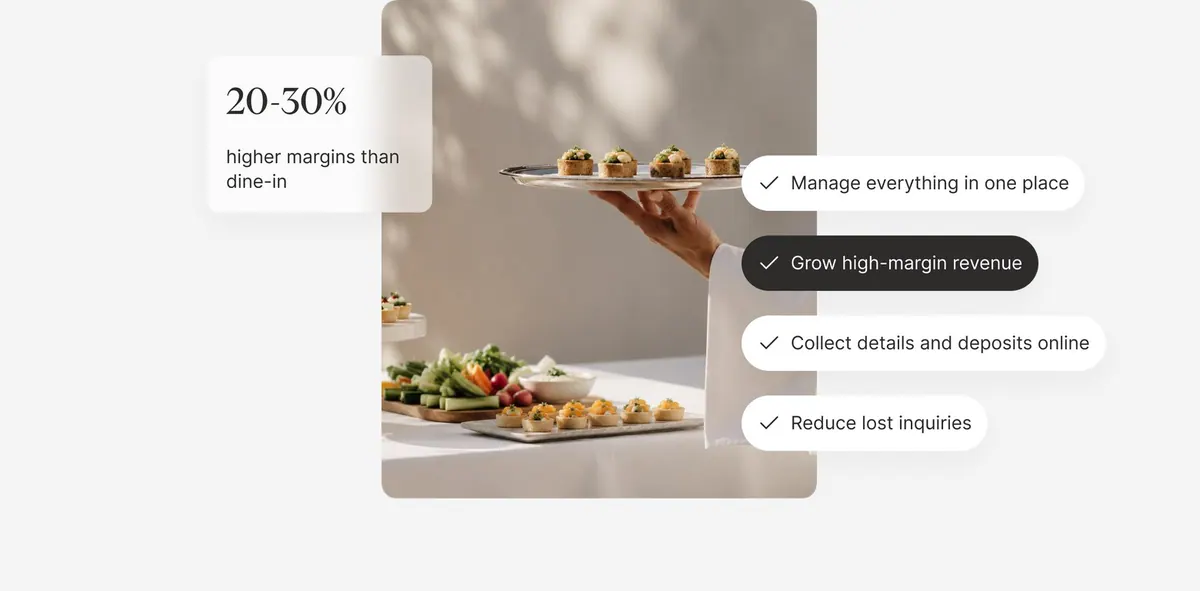
Inquiry to invoice, without the chaos
Every catering event moves through the same four stages, from the first message to getting paid
Step 01: Customer sends an inquiry
Guests browse your catering storefront and submit an inquiry with their event date, guest count and details, with no phone calls or email chains.
Step 02: You send a quote & collect a deposit
Turn the inquiry into a priced quote and send it back. The customer accepts and pays a deposit online, or you invoice on Net terms (Max).
Step 03: You run the event
The order lands in your catering workspace with a day-load view, BEO, run sheet and prep labels (Max) so your kitchen and delivery team stay in sync. No drivers? With CaterCart Delivery, we book the driver for you.
Step 04: You get paid
Deposits, remaining balances and invoices are tracked in one place, and event-reminder emails (Max) keep everyone on schedule.
Everything a catering program needs
Core operations ship on every plan. Billing, logistics and analytics tools are part of CaterCart Max.
Quotes & deposits
Turn an inquiry into a priced quote in minutes and collect a deposit online, without the back-and-forth over email.
Invoice & Net-terms billing
MaxBill regular B2B customers on invoice or Net terms instead of a deposit, with house accounts and tax-exempt support built in.
Calendar & day-load view
See every event on a single calendar and gauge how loaded a day is before you accept the next booking.
BEO, run sheets & prep labels
MaxGenerate the banquet event order, kitchen run sheet and prep labels straight from the accepted quote.
Catering storefront
A dedicated storefront where customers browse your catering menu and submit inquiries directly to your team.
Catering analytics
MaxTrack catering revenue, conversion from inquiry to booking, and your busiest event days over time.
CaterCart Delivery
OptionalChoose CaterCart Delivery as your catering delivery method and we book and pay a driver through our delivery partner. It applies automatically to every catering delivery order, on any plan that includes catering.
- A flat $45 per delivery, taken from that order's payout
- Customers pay your catering delivery fee of at least $45, and you keep anything above $45
- Customers can tip the driver at checkout, and the tip goes to the driver
- Reaches addresses within about 10 miles of your restaurant
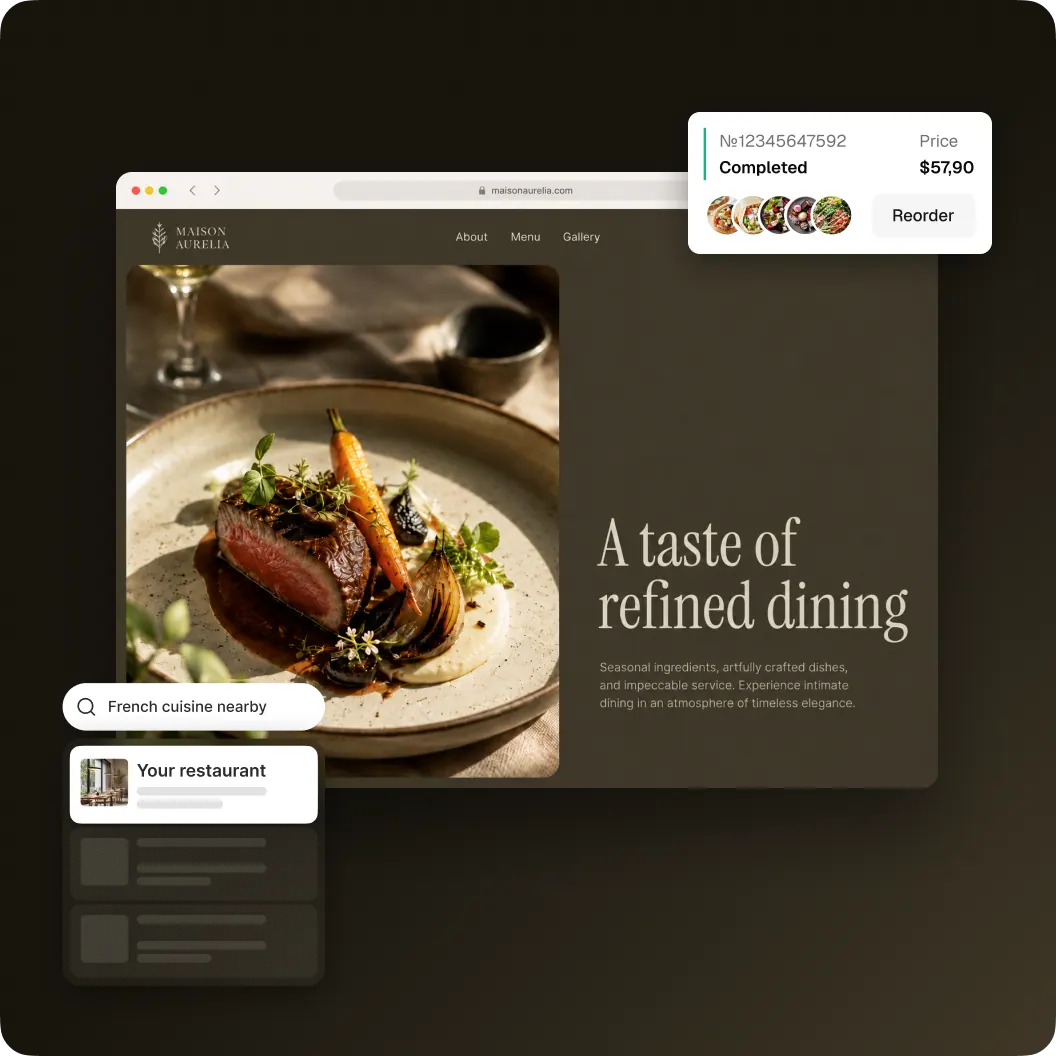
A storefront built for catering
Customers browse your catering menu and submit an inquiry directly. No marketplace, no phone tag.
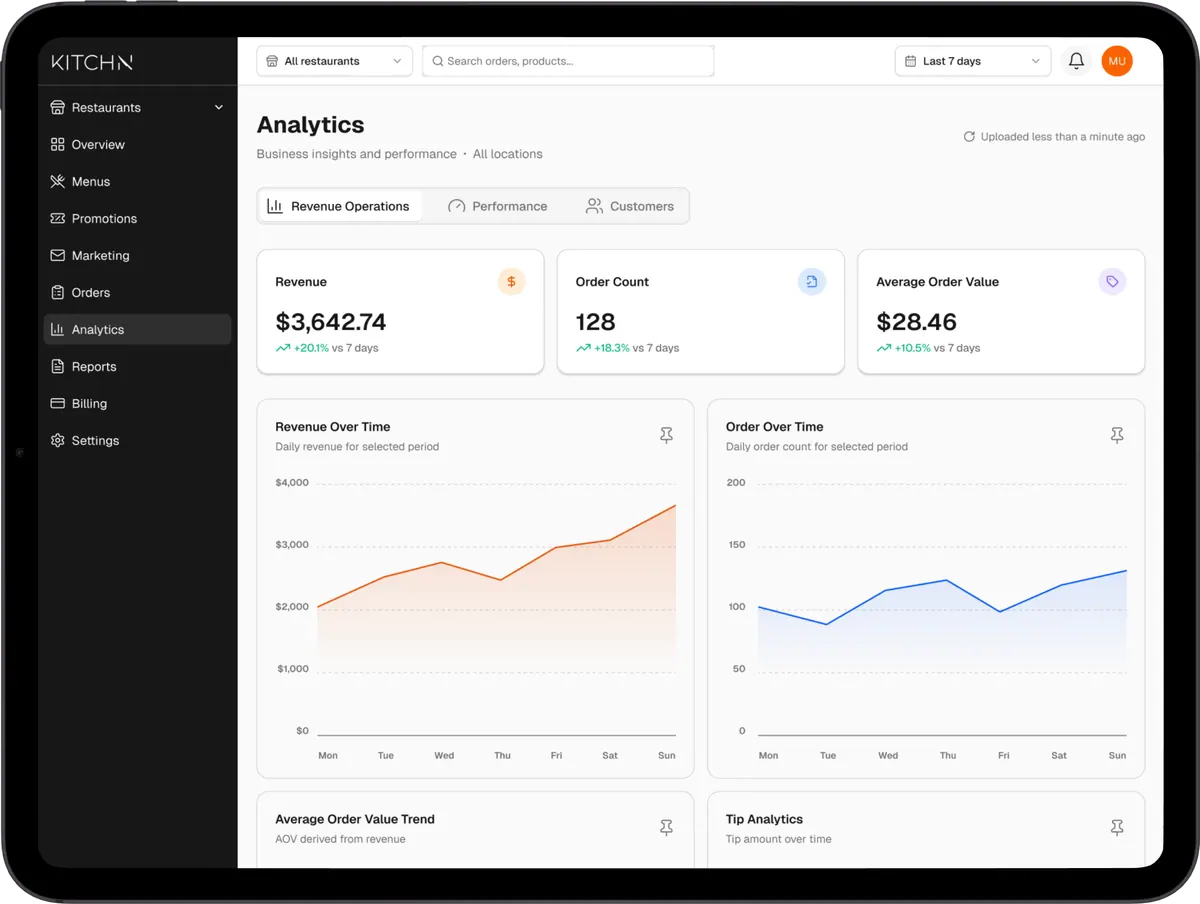
One workspace to run every event
Orders, quotes, the calendar and day-load view, and catering analytics (Max) all live in the same catering dashboard.
Simple, predictable catering pricing
Pro
Core catering operations
$100/mo
- Catering storefront for inquiries
- Quotes with online deposit collection
- Catering orders workspace
- Calendar & day-load view
- Email support
Plus $7 per catering order
Max
Most popularEverything in Pro, plus the full catering suite
$200/mo
Everything in Pro plus ↴
- Invoice / Net-terms B2B billing
- House accounts with tax-exempt support
- BEO documents, run sheets & prep labels
- Delivery logistics tracking
- Catering analytics
- Event-reminder emails
Plus $7 per catering order
Prefer everything in one plan? Catering is included with Kitchn Premium. See pricing
Pro vs. Max
Pay annually (save 20%) | Pro$100/mo | Max$200/mo |
|---|---|---|
| Catering storefront & inquiries | ||
| Quotes with online deposit collection | ||
| Catering orders workspace | ||
| Calendar & day-load view | ||
| Invoice / Net-terms billing | ||
| B2B house accounts (tax-exempt support) | ||
| BEO documents, run sheets & prep labels | ||
| Delivery logistics tracking | ||
| Catering analytics | ||
| Event-reminder emails | ||
| Per-order fee | $7 per order | $7 per order |
| CaterCart Delivery (optional) | $45 per delivery | $45 per delivery |
Questions about CaterCart
What counts as an order for the $7 per-order fee?
On both CaterCart Pro and CaterCart Max, every catering order created from an accepted quote counts once toward the $7 fee. There is no extra charge for quote revisions or follow-ups on the same order. Catering included with Kitchn Premium uses the same $7 per-order fee. The fee is added to the customer's order total and collected at checkout.
Can I switch between Pro and Max?
Yes. Upgrade or downgrade any time from the billing page in your dashboard. The change takes effect at the start of your next billing cycle.
How does annual billing work?
Choose annual billing on either plan to save 20% versus paying monthly. CaterCart Pro is $960/year and CaterCart Max is $1,920/year, billed once for the year. The $7 per-order fee still applies per catering order on either plan, regardless of billing interval.
Do I need a Kitchn retail plan to use CaterCart?
No. CaterCart runs standalone. You don't need Basic, Essential, or Premium to run your catering operation. If you're already on Kitchn Premium, catering is included at the full CaterCart Max feature level (analytics, house accounts, delivery tracking, BEOs, and invoice / Net-terms billing) at no extra monthly cost (the standard $7 per-order fee still applies).
How do customers place a catering order?
Customers browse your catering storefront and submit an inquiry with their event details. Your team sends back a quote with a deposit or invoice option, and the order moves into your catering workspace once it is accepted.
What are the invoice / Net-terms billing options?
On CaterCart Max, you can bill B2B customers on invoice or Net terms instead of collecting a deposit upfront, and set up house accounts for repeat clients, including tax-exempt status where it applies.
How does the $45 CaterCart Delivery charge work?
CaterCart Delivery is optional. Choose it as your catering delivery method in settings and accept its terms, and it applies to every catering delivery order. We book and pay the driver through our delivery partner, and your restaurant pays Kitchn a flat $45 per order, taken from that order's payout. Anything the payout can't cover goes on your monthly Kitchn invoice. Your customer pays your catering delivery fee as usual, and the $7 per-order fee is unchanged and still paid by the customer.
Is there a minimum delivery fee with CaterCart Delivery?
Yes. While CaterCart Delivery is your catering delivery method, your catering delivery fee must be at least $45. Your customer pays that fee, Kitchn keeps $45, and you keep everything above it. With your own drivers there is no minimum, and your fee can be $0. If you use your own drivers and switch a single order to CaterCart Delivery, and your fee on that order is under $45, the difference comes out of that order's payout. Anything the payout can't cover goes on your monthly Kitchn invoice.
How far can CaterCart Delivery go?
CaterCart Delivery reaches addresses within about 10 miles of your restaurant, measured in a straight line. If you like, you can let your own drivers take orders beyond that, up to your own delivery radius.
What happens if a CaterCart Delivery order is cancelled?
If the order is cancelled before a driver is assigned, the customer gets a full refund and the $45 is waived. If you cancel after a driver is assigned, the customer gets a full refund and you pay the $45. If the customer cancels after a driver is assigned, their refund keeps the $7 service fee and the delivery charge (the greater of $45 or your delivery fee) and returns their tips; you receive any part of your fee above $45. Customers can only cancel within 5 minutes of ordering, so that last case is rare. As with any refunded card payment, Stripe keeps its processing fee, and on a cancelled order that fee is yours.