How restaurant online ordering works, from Place order to pickup
- Author
- Abid Ghaffer
- Published
- Read time
- 2 mins
Owners who are new to online ordering often ask the same thing: what actually happens after the guest presses the button? This is the sequence on Kitchn, and it is close to how any direct ordering system works.
1. The guest pays
The guest reviews the cart, chooses pickup or delivery, and pays by card. The payment is processed by Stripe. No account is required, so a first-time guest can check out without creating a password.
2. The order reaches your team
The order appears in the Orders view of your dashboard within moments, with a sound alert. Any phone, tablet or computer signed in to the dashboard will show it.
If your Square account is connected, the same order is sent to Square as a paid order, so it shows on the POS your staff already watch.
3. The kitchen works the order
Staff move the order through its statuses as they accept, prepare and finish it. That keeps the front counter and the kitchen looking at the same list.
4. Scheduled orders wait their turn
A guest can order at 10 in the morning for 6 in the evening. A scheduled order is held and sent to the kitchen when it is time to cook it, so it does not sit on the line all day.
5. Handoff
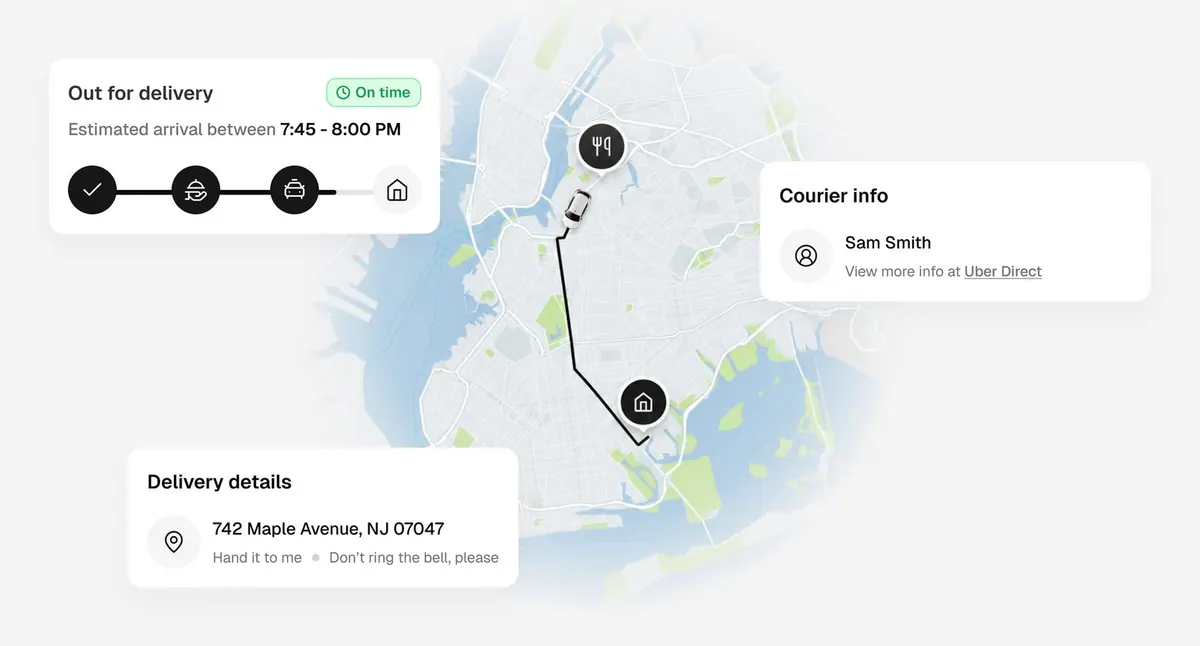
For pickup, the guest collects the order at the counter. For delivery, either your own driver takes it or a courier is dispatched through Uber Direct.
Four settings that prevent most missed orders
- Sound: keep the device that shows orders unmuted and loud enough to hear over the hood fans
- Logins: give each staff member their own login so the dashboard is open wherever orders are handled
- Hours: match your online hours to the hours the kitchen can really cook
- Sold-out items: mark an item unavailable the moment it runs out, so nobody pays for something you cannot make
Most problems with online ordering are a muted tablet or an out-of-date menu. Both are cheap to fix before the first order arrives.